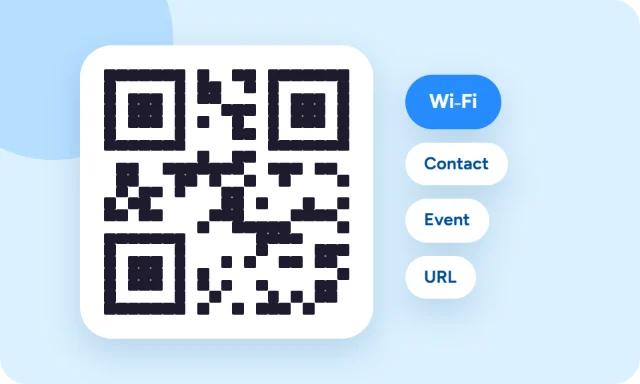
A Wi-Fi QR code lets guests join your network just by pointing their phone camera at it — no spelling out a long password. You can make one for free in under a minute.
What you need
- Your network name (SSID) — exactly as it appears in the list of Wi-Fi networks, including capitals and spaces.
- Your Wi-Fi password.
- The security type — almost always WPA/WPA2 (or WPA3) on modern routers.
You can find all three on the sticker on your router or in its settings page.
How to create the Wi-Fi QR code
- Open the QR Code Generator and choose Wi-Fi login.
- Enter the network name and password, and choose the security type.
- Tick Hidden network only if your network doesn’t broadcast its name.
- Download the QR code and test it with your own phone before printing.
The code is created in your browser, so your password isn’t sent anywhere, and it never expires because the details are stored in the code itself.
How guests scan it
iPhone: open the Camera app and point it at the code, then tap the “Join network” prompt. Android: open the camera (or Google Lens) and point it at the code; on many phones you can also scan from the Wi-Fi settings screen. Both work on any recent phone without an extra app.
Where to put your Wi-Fi QR code
- At home: on the fridge, in a guest room or in a frame by the router.
- Cafés and shops: on table cards, the counter or the menu.
- Holiday rentals and offices: in the welcome guide or meeting rooms.
Print it at least 2 × 2 cm (about 0.8 inches) so phones can read it easily, and bigger if people will scan it from across a room.
Is a Wi-Fi QR code safe?
The code contains your password in plain form, so anyone who scans it can join. That’s exactly what you want for a guest network, but don’t put your main home network’s code somewhere public. If your router supports it, create a separate guest network for visitors and share that one. If you change your Wi-Fi password, make a new code.
What’s inside a Wi-Fi QR code?
It’s a short text in a standard format that phones recognise, for example WIFI:T:WPA;S:MyHomeWiFi;P:my-password;; — the security type, network name and password. That’s why it works without any special app.