llms.txt is a plain-text Markdown file at the root of your website (yoursite.com/llms.txt) that gives AI models a short, structured summary of your site and links to your most useful pages. It was proposed in 2024 at llmstxt.org as a simple way to help large language models and AI assistants find and understand the content that matters.
What is llms.txt used for?
Web pages are full of menus, ads, scripts and layout that make it hard for an AI tool to find the important information. An llms.txt file cuts through that by telling AI systems, in clean Markdown:
- what your site or product is, in one or two sentences;
- key facts they should know (who it’s for, prices, policies);
- which pages are the most useful, grouped into sections.
It’s part of what’s often called answer engine optimisation (AEO) — helping AI assistants describe and cite your site accurately.
What does an llms.txt file look like?
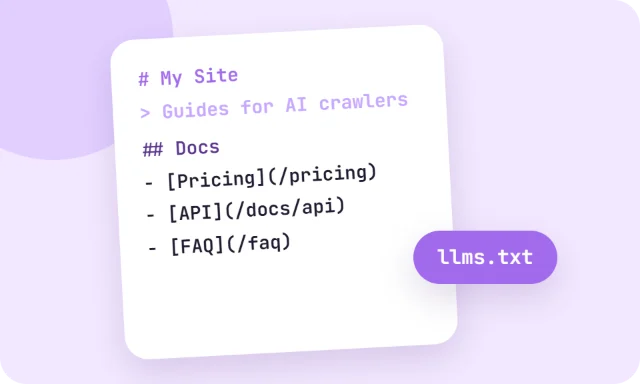
# Acme Shop

> Handmade leather wallets and bags, made to order and shipped worldwide.

All products are made to order within 5 working days. Prices are in USD.

## Products
- [Wallets](https://acmeshop.com/wallets): Full-grain leather wallets
- [Bags](https://acmeshop.com/bags): Laptop and travel bags

## Help
- [Shipping](https://acmeshop.com/shipping): Delivery times and costs
- [Returns](https://acmeshop.com/returns): 30-day returns policy
The format is simple: a title, a one-line summary in a blockquote, optional details, and sections of links with short descriptions.
How to create an llms.txt file
- Open the llms.txt Generator.
- Enter your site name, URL and a one-sentence summary.
- Add a few key facts, then add sections with links to your best pages.
- Download the file and upload it to the root folder of your website, so it loads at yoursite.com/llms.txt.
llms.txt vs robots.txt
| robots.txt | llms.txt | |
|---|---|---|
| Purpose | Tells crawlers which pages they may or may not visit | Tells AI tools what your site is about and which pages matter most |
| Format | Crawl rules (User-agent, Allow, Disallow) | Markdown |
| Status | Long-established web standard | New proposal with growing but limited support |
They do different jobs, so many sites use both.
Does llms.txt help SEO?
Not for Google rankings — Google has said it doesn’t use llms.txt for search. Its value is with AI assistants and tools that choose to read it, and support is still growing. It takes only a few minutes to create, so it’s a low-effort addition rather than a priority over good content.
How to block AI crawlers like GPTBot
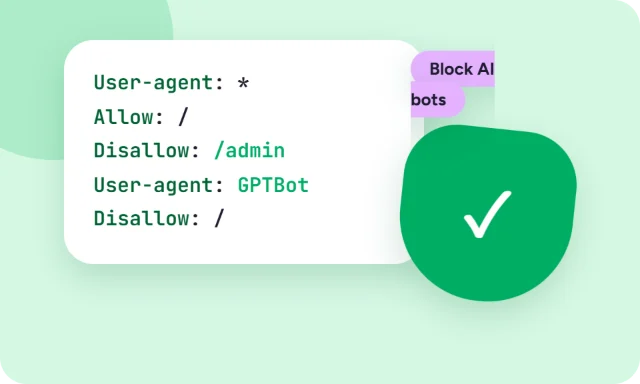
If you’d rather AI companies didn’t use your content for training, llms.txt won’t stop them — that’s robots.txt’s job. Add rules like these to your robots.txt:
User-agent: GPTBot
Disallow: /

User-agent: Google-Extended
Disallow: /

User-agent: CCBot
Disallow: /
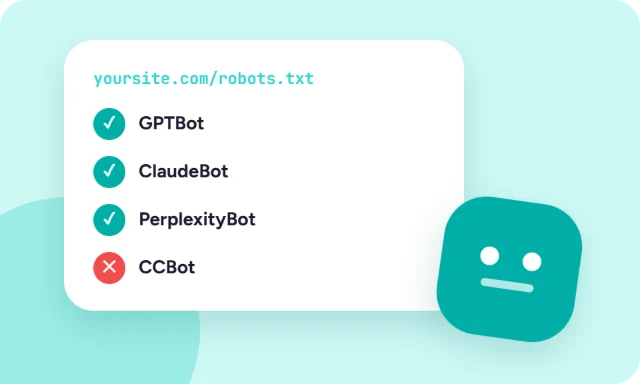
GPTBot is OpenAI’s training crawler, Google-Extended controls whether Google may use your content for its Gemini models (it doesn’t affect Google Search), and CCBot is Common Crawl, a dataset many AI models are trained on. The Robots.txt Generator can add these rules in one click, and the AI Crawler Checker shows which AI bots any site currently allows or blocks.
Blocking training crawlers doesn’t remove you from Google results. Some AI search features use separate crawlers — OpenAI’s OAI-SearchBot, for example — so decide whether you want to appear in AI search answers before blocking everything.